Amdek Video-310A demo

This is a collection of pictures and videos of my Amdek Video-310A monochrome display adapter monitor displaying from a Raspberry Pi 4B. The code and details of the setup are at Narlotl/amdek-310a.

Contents:

Early Work

I had some troubles getting the Pi to output correctly at first.

Messed up timings meant the image got displayed twice.

I started only having pixels be only on or off, which made most things hard to see.
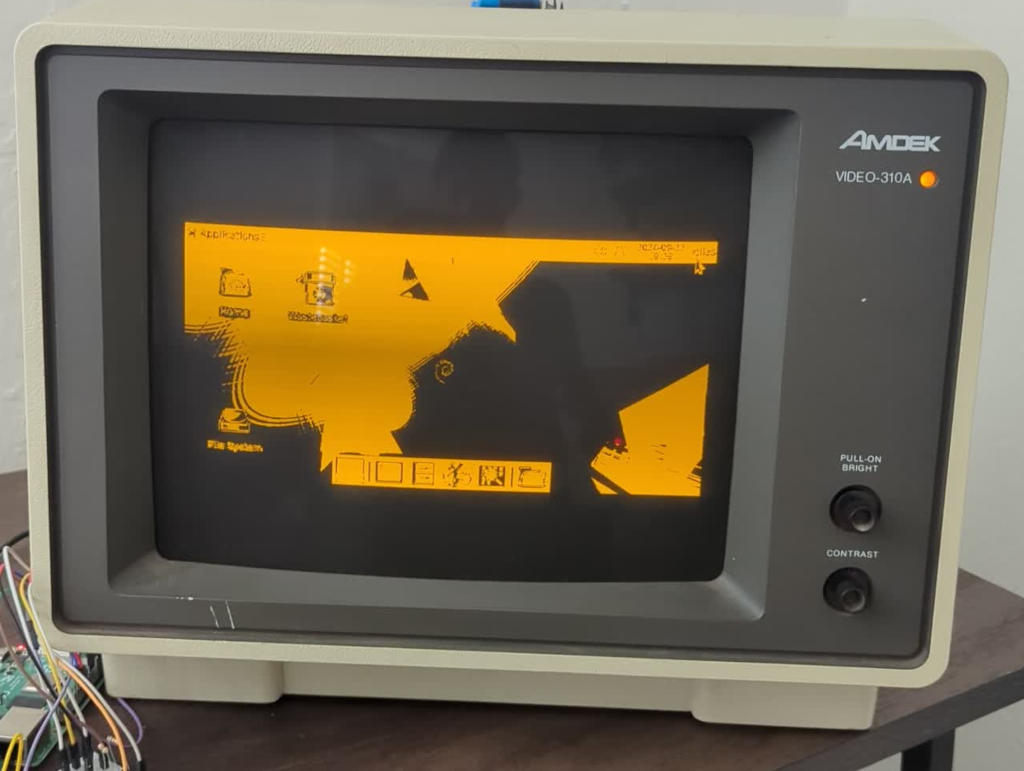
Image of a desktop with only two colors
The desktop isn't very useful.
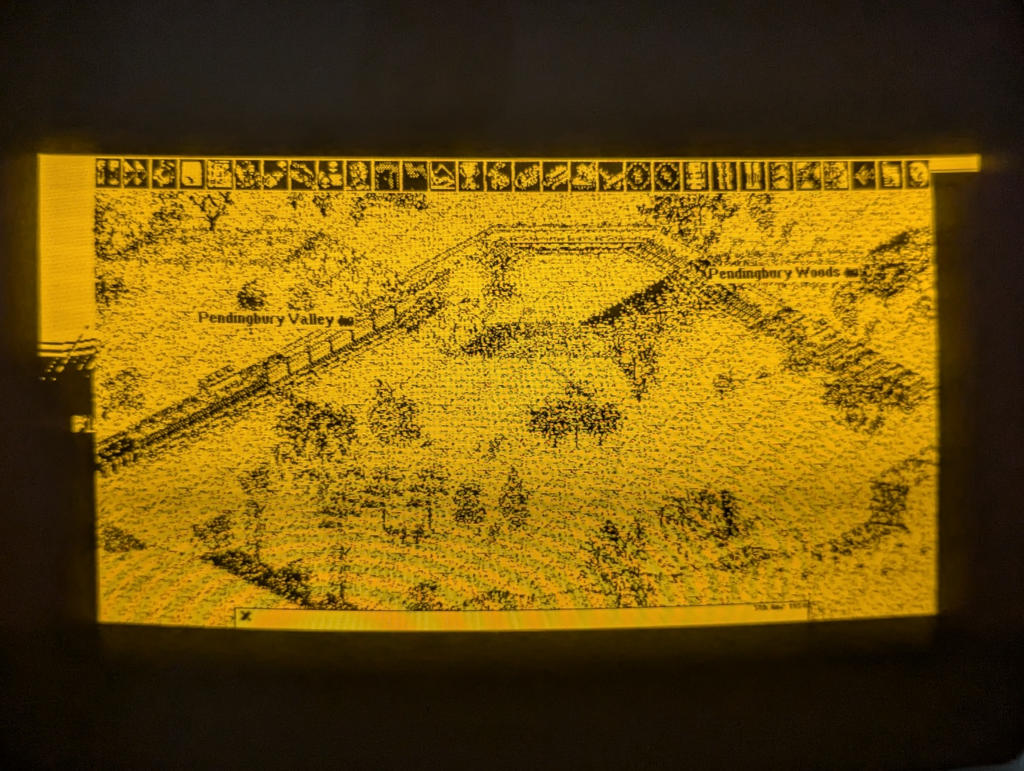
Image of an OpenTTD game that is hard to make out
Games are hard to play with so little distinction between elements.

Improvements

I was able to fix the timing to get a stable image of the correct size to show up. Things look much better now.

Only one image shows and there's no foldover (when the image doesn't fit the screen and seems to curl behind).

With dithering and using all three brightness levels, the monitor's limited color palette is much more usable.
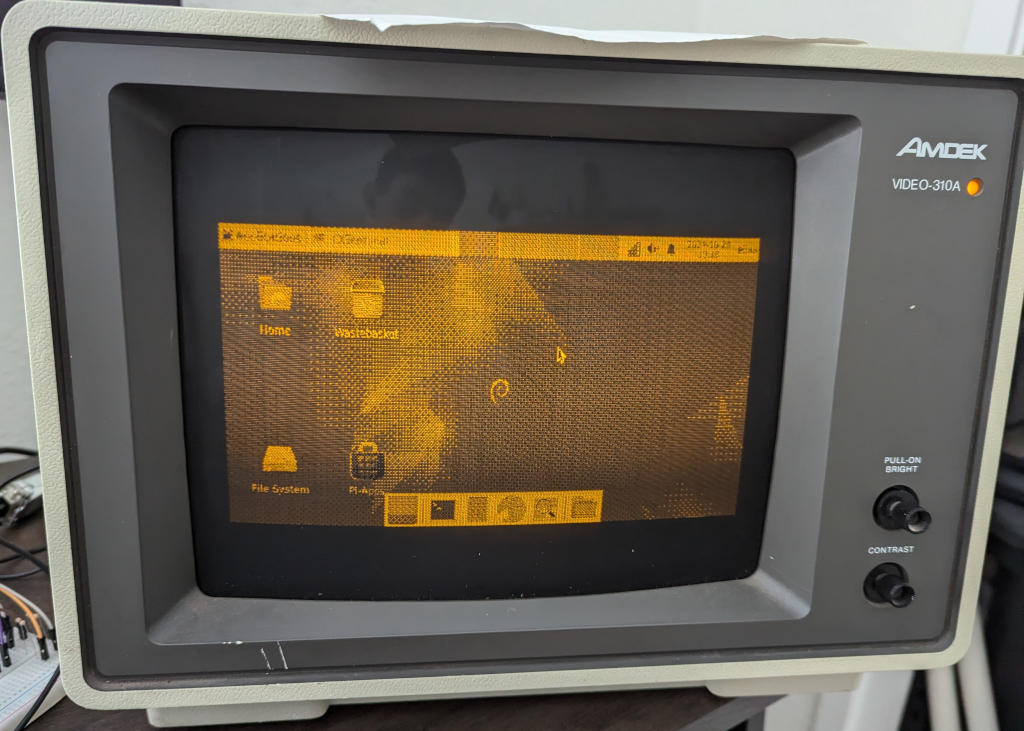
Image of a desktop with dithering applied
The desktop and icons are much easier to see and you can see the wallpaper.
You can clearly see the train, trees, cities, and industries now.

Showcase

Shaders

I made two shaders, which each have their own applications. The dither shader works great for things with lots of color, like a gradient.
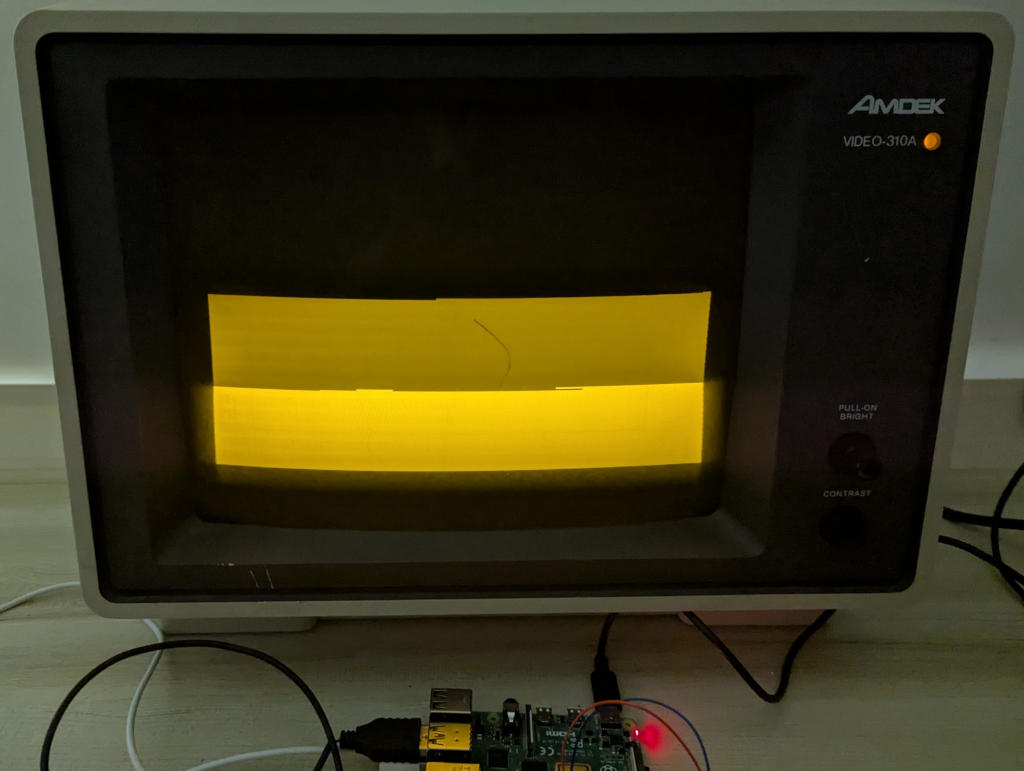
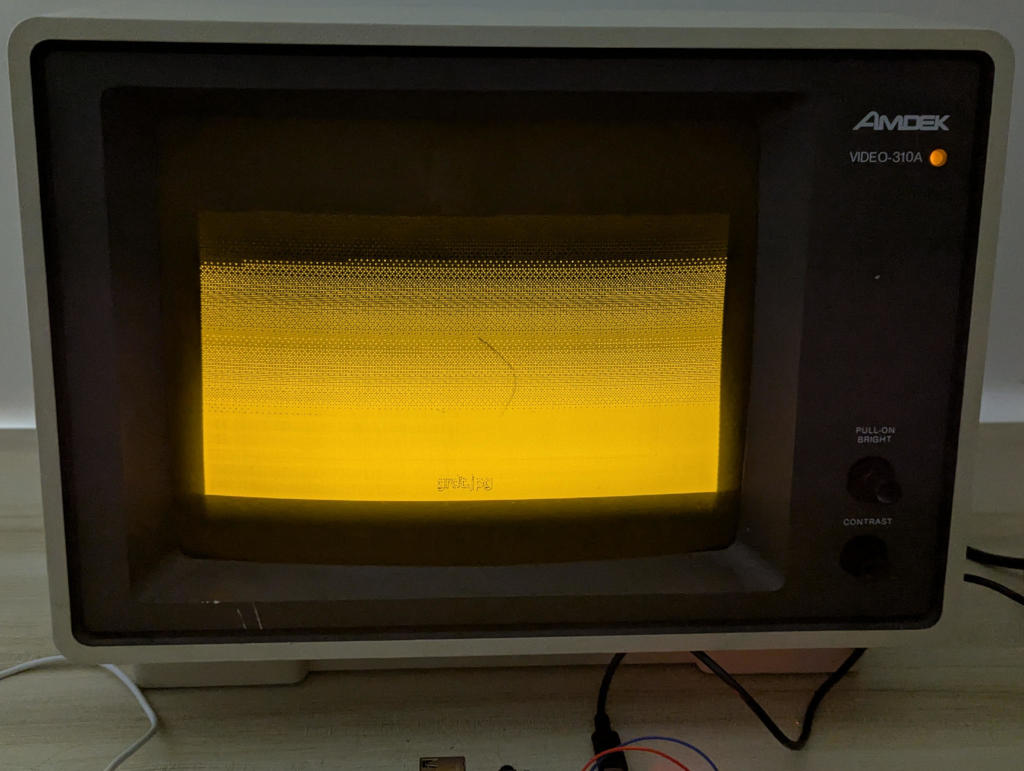
Image of a gradient with only three color levels
The simple shader just flattens all colors to the closest brightness level.
Image of a gradient that appears smoother with dithering
The dither shader uses dots to trick our eyes into seeing more colors than reality.

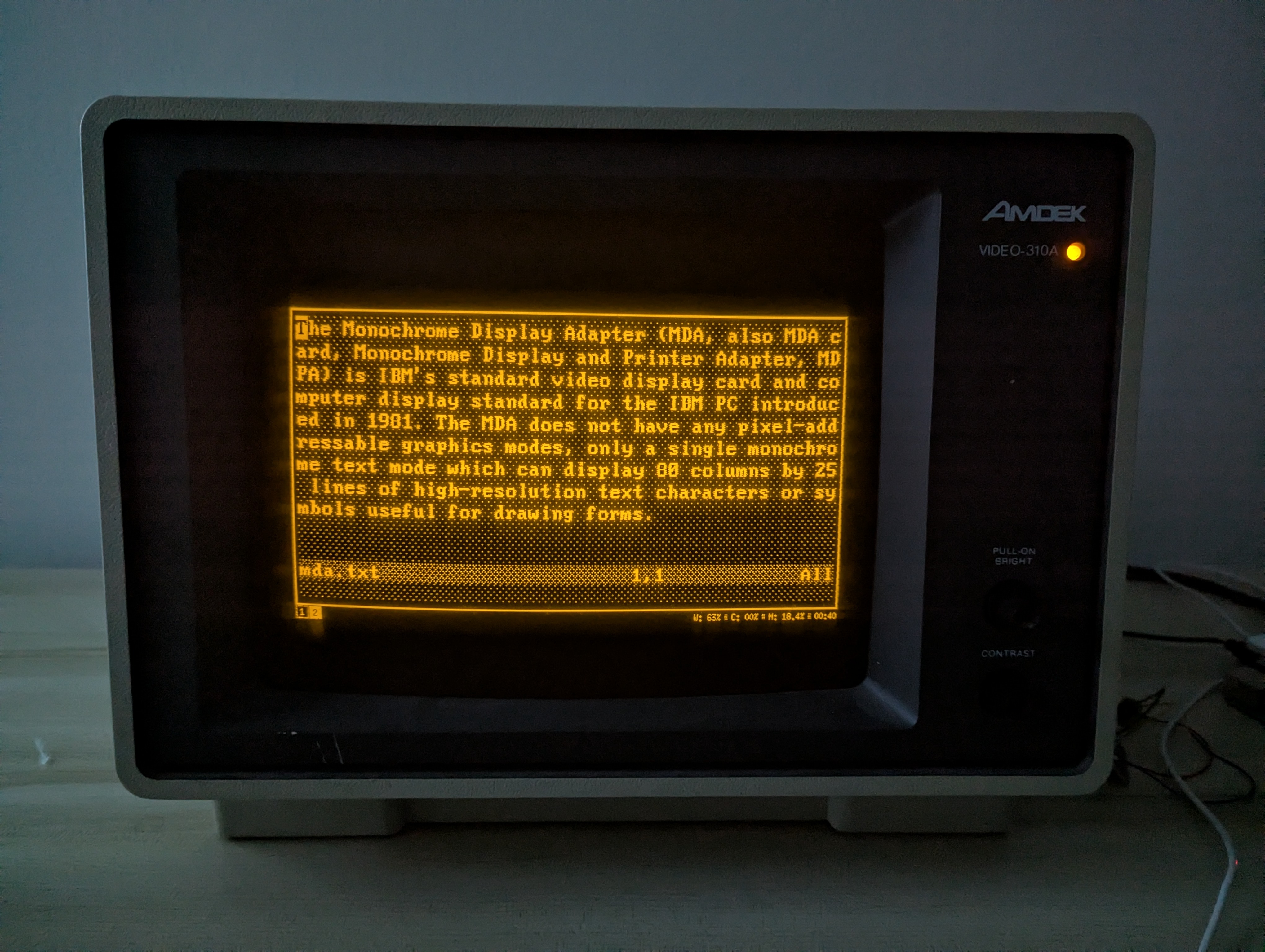
Dithering isn't always necessary or better. Modifying the TTY's color palette so that all colors show up or using the simple shader works great for text.
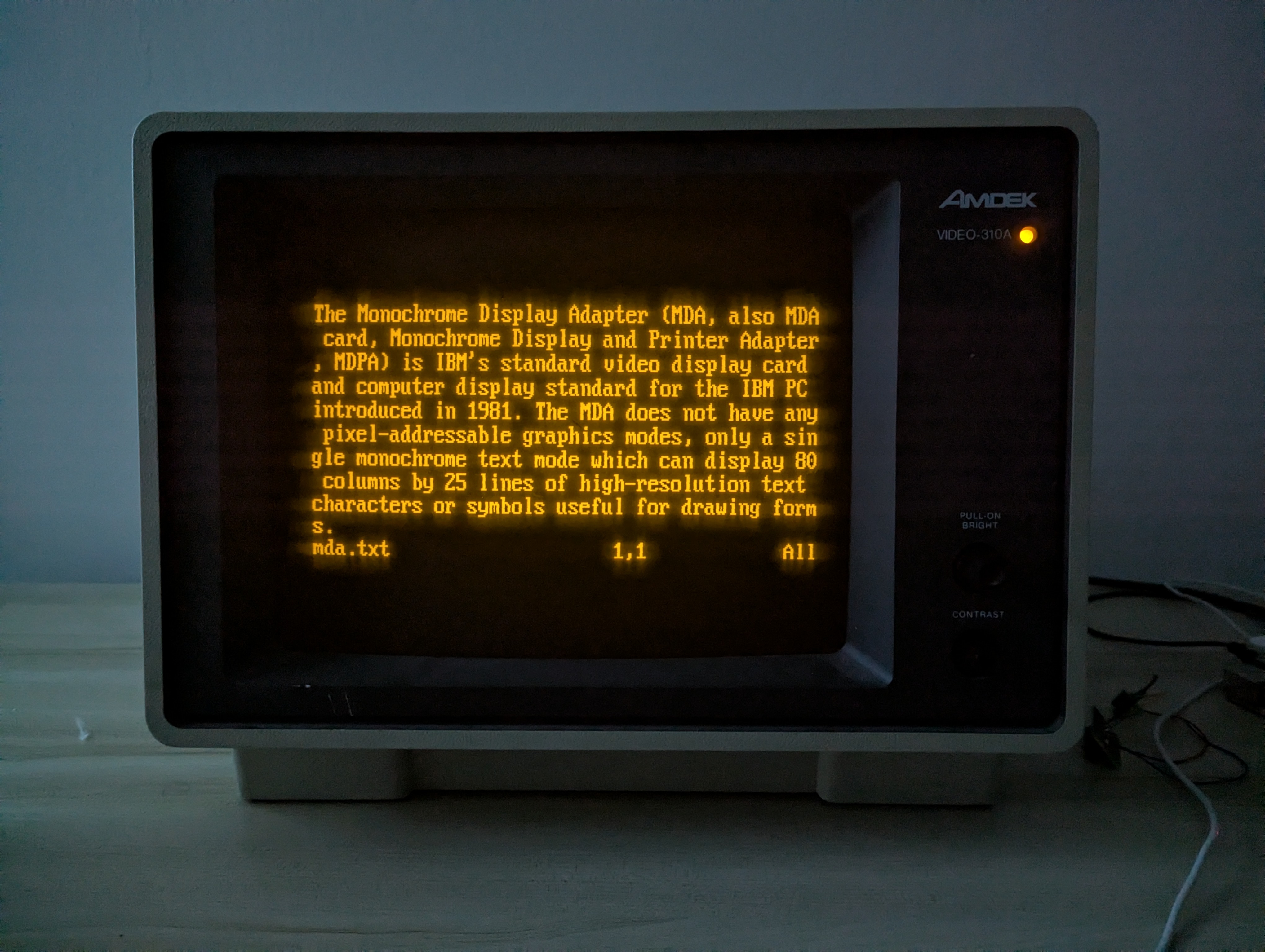
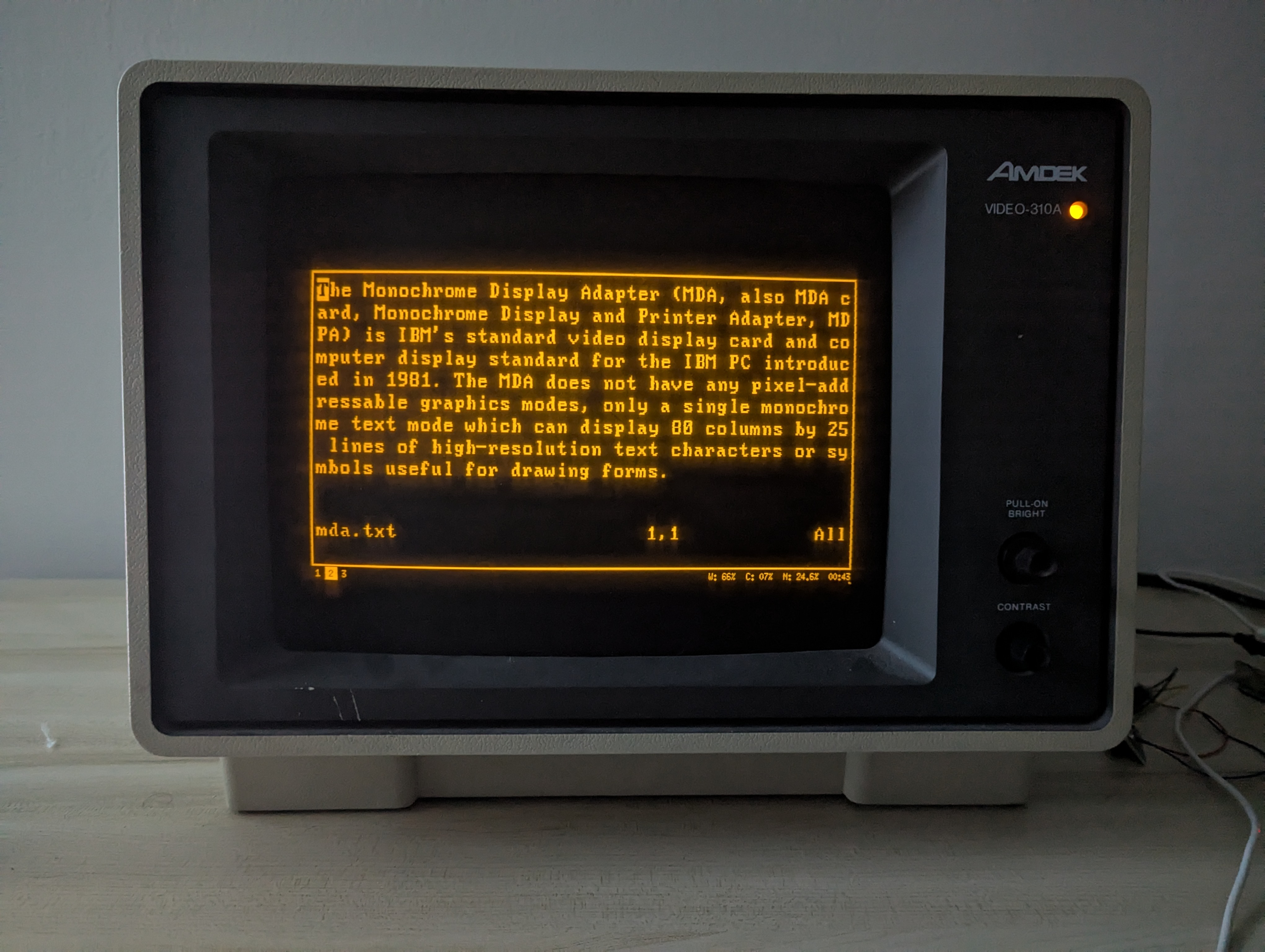
Image of Wikipedia's description of the Monochrome Display Adapter on the TTY
Text displayed on the TTY.
Image of Wikipedia's description of the Monochrome Display Adapter with the simple shader
Text displayed with the simple shader.
Image of Wikipedia's description of the Monochrome Display Adapter with the dither shader
Text displayed with the dither shader.

Movies

My monitor was manufactured in 1985, so here's some movie clips from that year on it.

Back to the Future, July 1985
The Breakfast Club, February 1985
E.T. the Extra-Terrestrial, July 1985 (re-release)

Oregon Trail

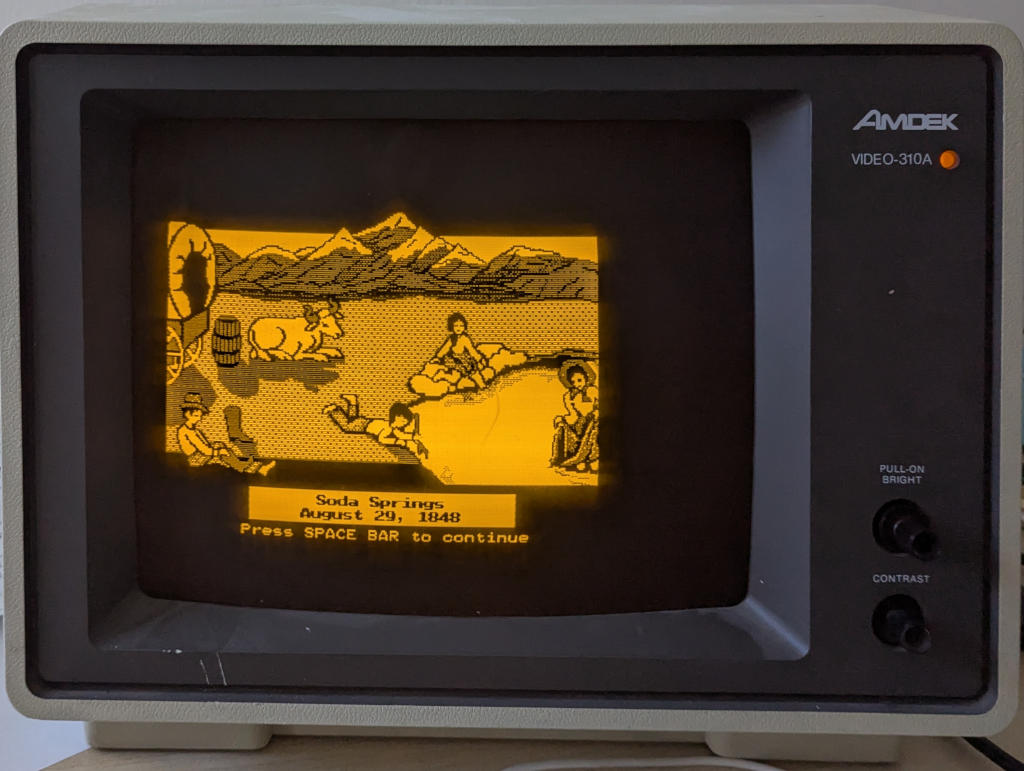
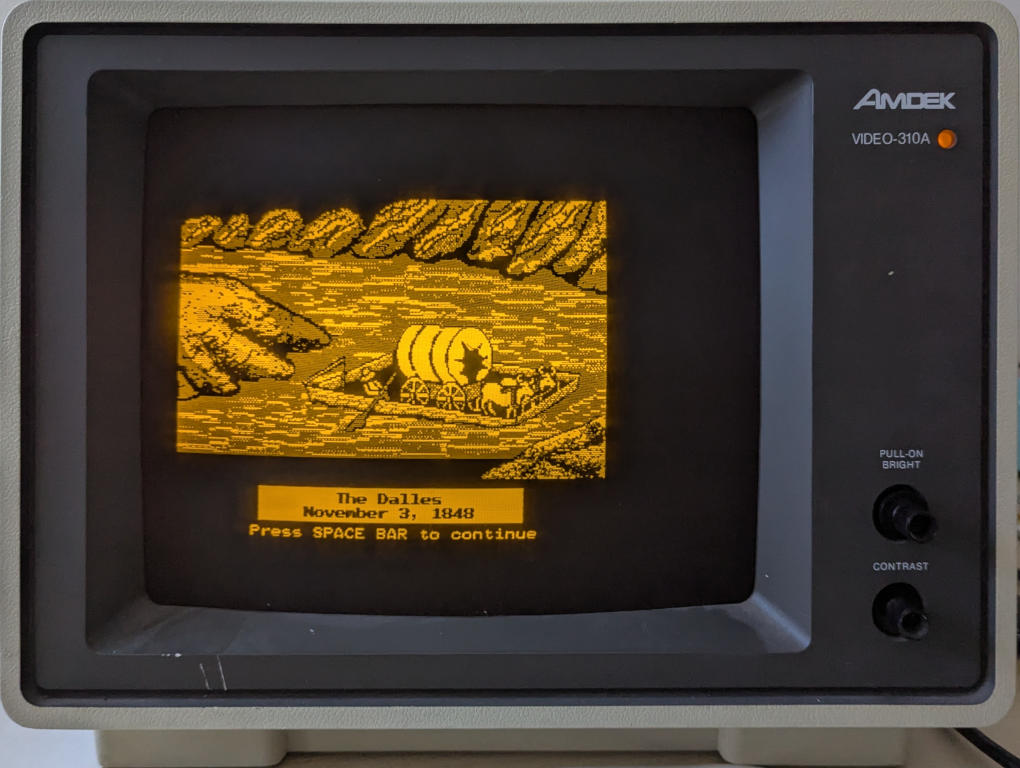
DOS games are appropriate for a 1980s monitor.
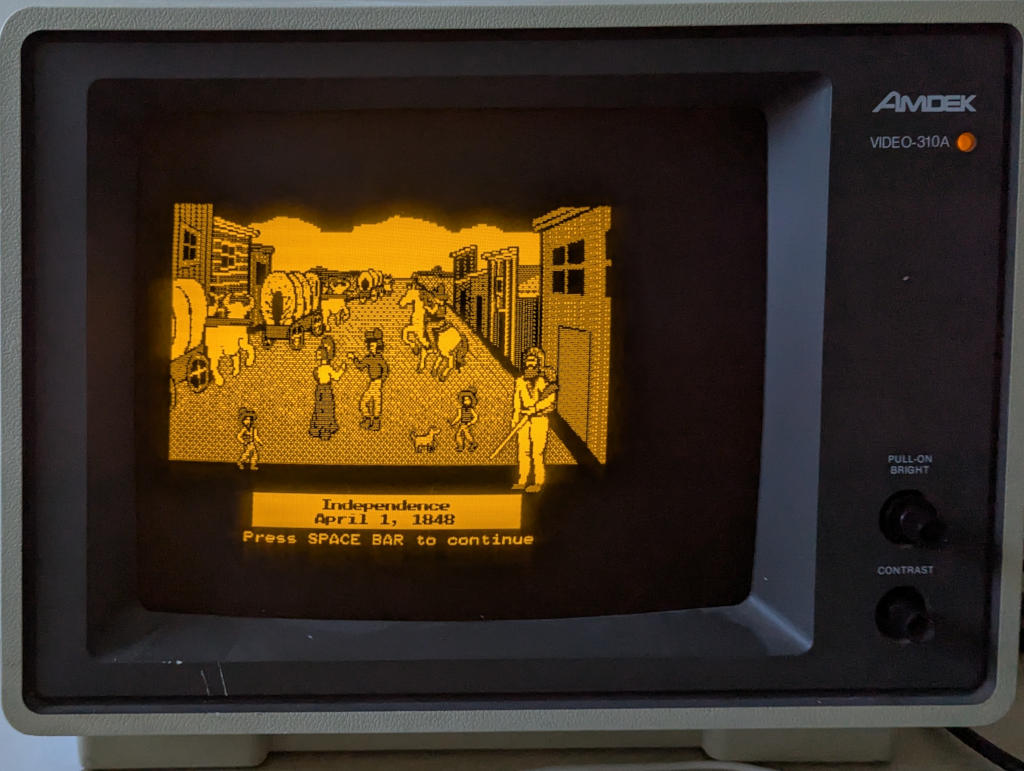
Image of the Independence, Missouri screen in Orgeon Trail
Image of the Soda Springs screen in Orgeon Trail
Image of the Dalles screen in Orgeon Trail

Miscellaneous

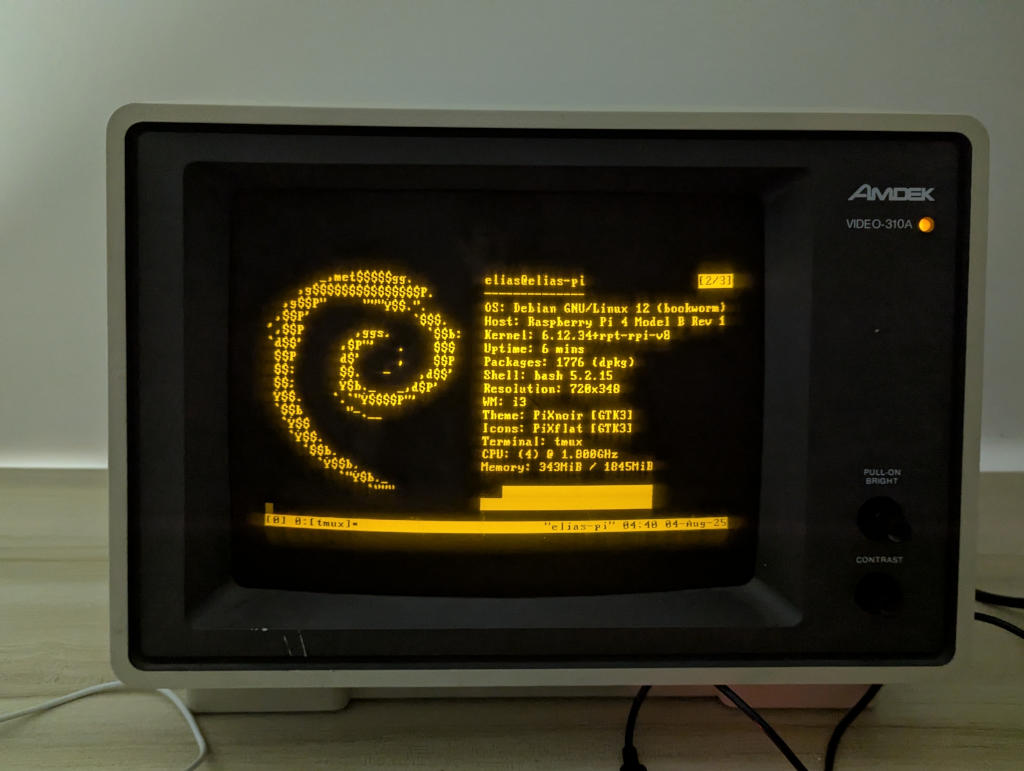
Image of neofetch output
Obligatory fetch image.
Yes, it runs Doom.
Image of the 310A displaying a picture of itself
Using the monitor to display an image of the monitor, with a slight difference in the computer driving it.
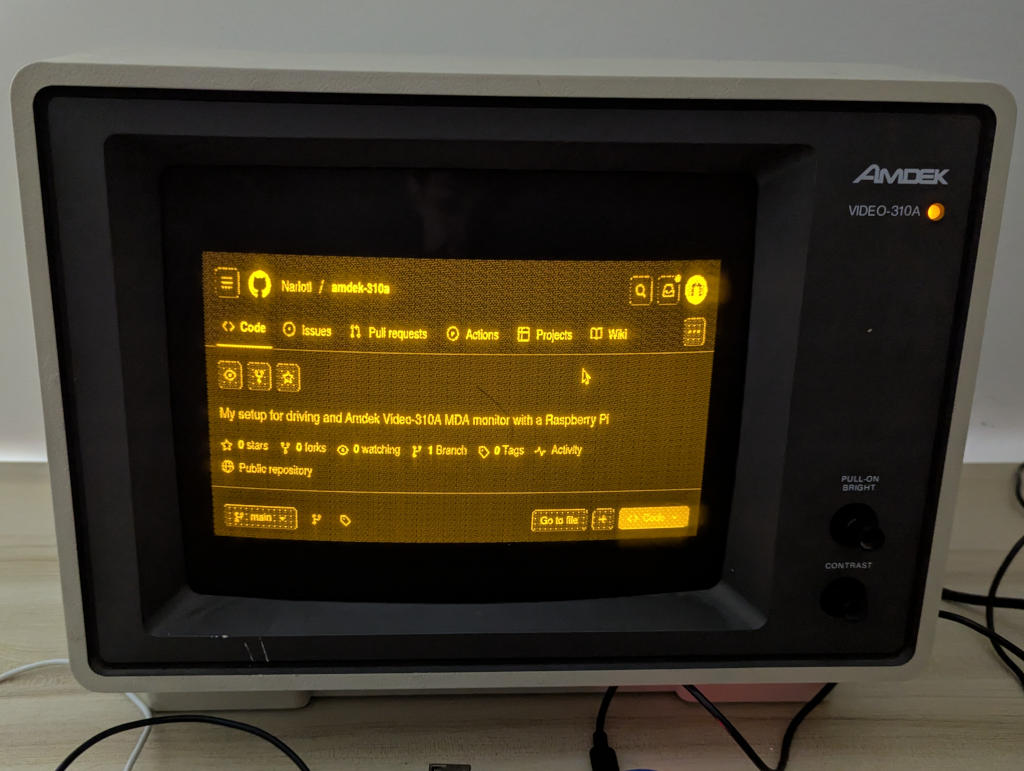
Image of the GitHub page on the monitor
This project's GitHub page.
"Do or do not. There is no try."

Conclusion

I've learned a lot about CRTs, the Raspbery Pi, and dithering working on this. I also got to practice soldering in making an easily removable connector from the GPIO to the input cable. This was definitely a challenge, especially since I did a lot of work and testing with a limited display capabilty, but it was still a lot of fun. Thanks for reading!

The shutdown display.